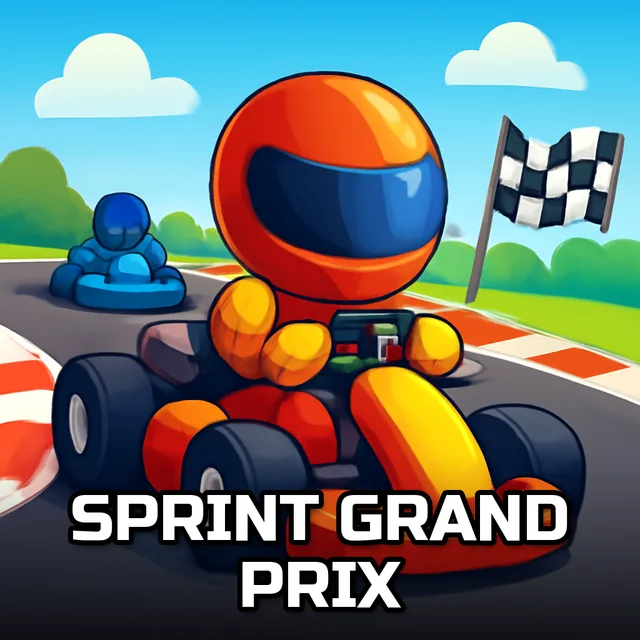
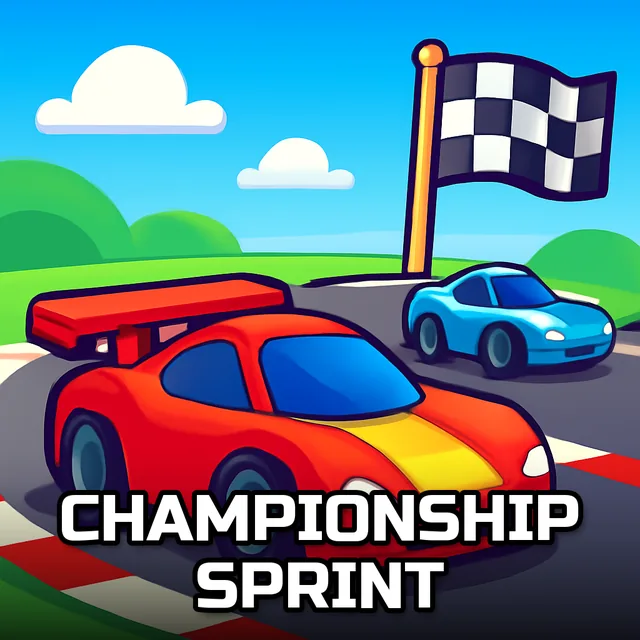
Speed Racing One Player And Two Player
Instructions:
Click or tap on the screen to change the track Or use keyboard shift key and up arrow Or Game pad one or twoDescription
Speed Racing One Player And Two Player Complete Guide
The setup here is refreshingly simple: your car barrels forward on its own, and your only job is switching lanes at the right moment to avoid a pileup while scooping up whatever score pickups happen to be in your path. It works solo, but it genuinely gets more interesting with a second player sitting next to you, since split attention between your own lane and needling your opponent changes the whole rhythm of a round.
Top Tips
- Watch two or three car-lengths ahead rather than reacting to the obstacle directly in front of you.
- Grab score pickups only when the lane switch to reach them is already safe, not the other way around.
- In two-player mode, keep half an eye on your opponent's lane, since a well-timed block can cost them more than a crash costs you.
- Use the shift and up-arrow combo consistently instead of switching between mouse taps and keyboard mid-run.
Highlights
The flexibility in control options is a genuinely nice touch, letting you tap or click on screen, use a simple keyboard shortcut, or plug in a gamepad for either player. That range means it adapts to whatever setup you've got in front of you, whether that's a laptop trackpad or a couch session with a controller passed between two people. Add in the built-in two-player support, which a lot of browser racers skip entirely, and this ends up being one of the more social picks in the category.