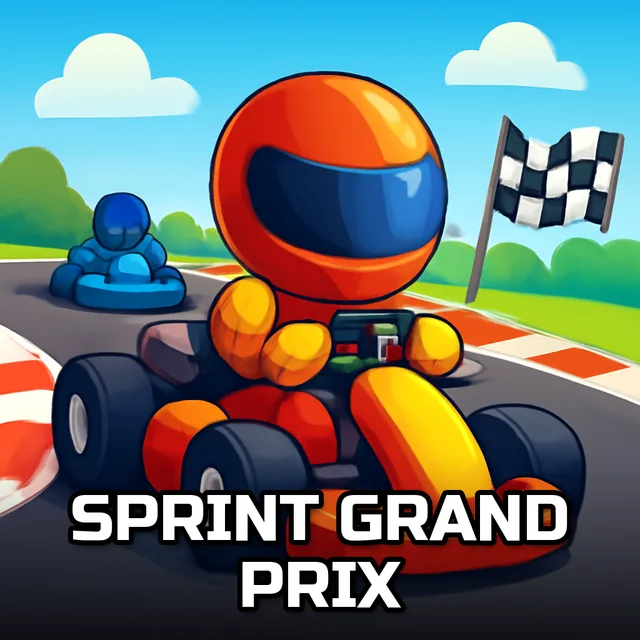
Strip Go-kart
Instructions:
mouse or touch screenDescription
Strip Go-kart Browser Game Analysis
Features
- Four go-karts to pick from, each with its own drift feel once you push it into a corner.
- A single-finger or single-click control scheme that keeps the barrier to entry basically at zero.
- Track layouts built specifically to reward drifting through corners rather than braking before them.
- Fast, arcade-length runs that fit comfortably into a short browser session.
- A clean, uncluttered interface that keeps your focus entirely on the track ahead.
What stands out playing this one is how forgiving the drift physics are without feeling loose. You can push a kart sideways through a bend and still recover in time for the next straight, which is exactly the kind of near-miss moment that makes a short racer replayable. It's not aiming for realism, and that's fine, since the whole appeal here is chaining slides together and staying on the track by the skin of your teeth. A few laps in, you start predicting exactly how much a kart will slide before you even initiate the turn, which is when the game really clicks.
Key Combinations
- Click and hold, or press your finger down on a touchscreen, to accelerate your kart forward.
- Drag left or right while holding to steer, adjusting the angle rather than snapping the kart into a turn.
- Release briefly mid-corner if your kart starts sliding too wide, then reapply pressure once you're aimed straight.
- Switch karts between runs if one keeps oversteering on a track you know well.
- Practice on an easier track before testing a new kart on a tighter, more technical one.